


Installation of the Meowzino Mobile App
Installation of the Meowzino app is fast and takes less than a couple of minutes, and you can do it right from our official website. The software is completely free and requires no manual updates. At our mobile casino, you get access to 6,000+ slots and live titles that you can launch in portrait and landscape modes.

Reasons to Get the Meowzino App
Our mobile platform provides a much faster way to launch games than the PC version. Besides, you completely skip the browser, which allows Meow Zino Casino games to run in full-screen mode without address bars or unnecessary menu elements.
Here are some more reasons to try the app, even if you already use our website:
| Feature | Meowzino app | PC browser version |
| Game access | You can open your favorite online slots right from the home screen. | You have to wait for the PC to boot and open the browser. |
| Gameplay | Most convenient for mobile slots or crash games. Main buttons and bet options are within thumb’s reach. | Good for live roulette and blackjack involving multiple bets. |
| Layout | Collapsible menus and a handy bottom panel with main sections. | More space for Meowzino Casino section tabs and games on a single screen. |
| Mobile betting section | Compact view with a collapsible bet slip and a quick wager feature for one-click betting. | Broad layout to look at statistics and compile multi-leg accumulators. |
Mobile Interface
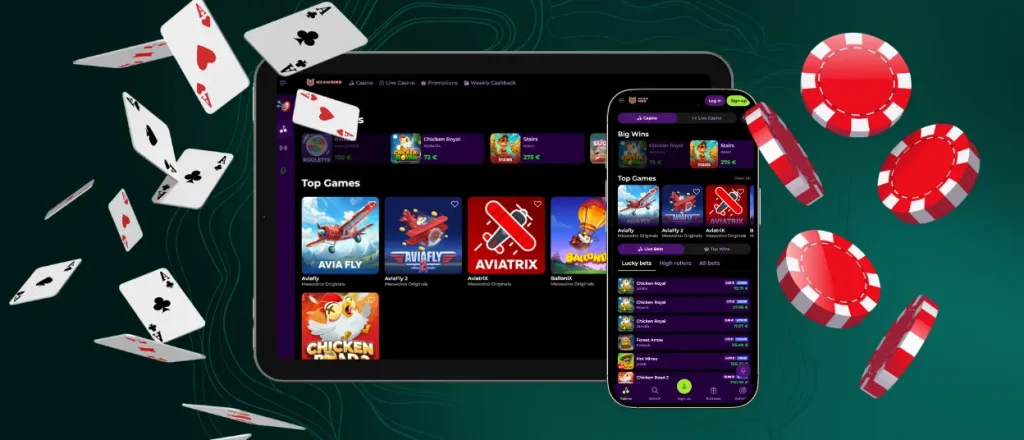
The layout of our platform works well for one-handed navigation. The Meow Zino app interface automatically adjusts to your screen size. From the bottom dashboard, you can easily go to the bonuses section or use the search tool to seek and filter our games.
Games also look good on a smartphone, even if you have a small screen. Fresh slots with modern visuals and background animations load quickly. You can see this in new releases like Out of the Woods by Pragmatic Play. The reels and the spin button take up most of the space. You can find the game and bet settings in hidden menus.
Meowzino App Performance
The software is very light and does not tax your device’s processor. Because of the smart cache system, it requires little memory to run. You do not need the latest OS version. App performance mostly depends on a stable internet connection. Here is what you need for different tasks:
- Account management and deposits: 4G
- Regular slots: 4G/5G
- Live casino: private Wi-Fi
Public Wi-Fi is not always the best option. A crowded hotel or café network can feel slower than a strong 5G signal. This happens especially when many people are streaming video nearby.
Account Management
Setting up your Meowzino Casino profile and making payments go faster in the app because you already have the tools on your phone to complete verification and fund your account. You can use your device’s camera to take photos of your documents. With mobile wallets like Google Pay or Apple Pay, you can make deposits with one click.
Meowzino Android App
If you have an Android device, you can set up our casino in mere moments. The platform is available for installation right from the website with no Meowzino app download required. Our mobile software operates as a PWA (progressive web app). To get it, you just visit the site and select “Add to Home screen” in your browser options. You do not have to download a Meowzino APK file or look for our casino on Google Play.
Inside the Android app, you can set up extra security steps. You can move the program to a hidden folder or change the name and icon. Even if you lose your phone, these settings will stop other people from opening your casino profile.
How to Fix PWA Errors
The PWA format means the Meowzino app relies on your browser. If you have the latest updates installed, everything will work fine. If an error still occurs, there is a good chance you can fix it in under a minute.
| Typical problem | Quick fix |
| App fails to load | Clear your cache and site data. |
| Installation button is missing | Update your browser to the current version. |
| Screen turns blank on launch | Check your internet connection and reload. |
| Meowzino Casino app crashes mid-game | Close other background tabs in your browser to free up your device’s memory. |
Gaming on iPhone and iPad
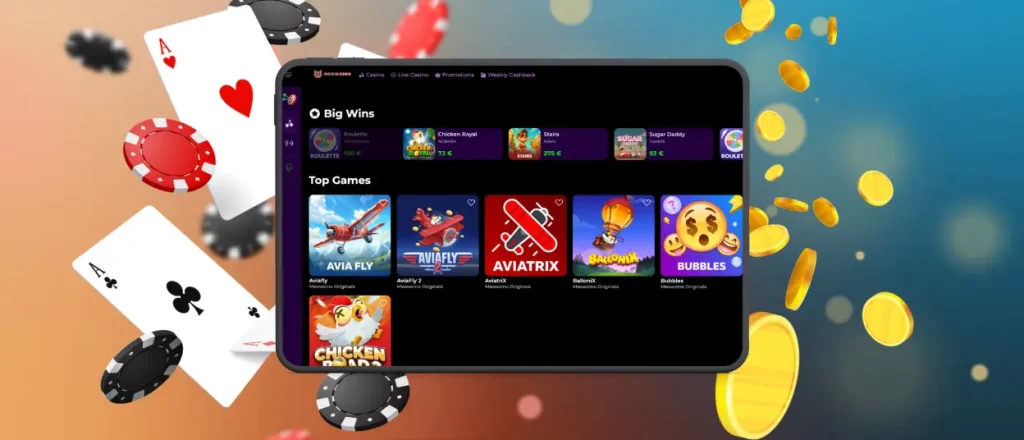
To play at our casino on your iOS device, you can stick to the web version or install the PWA. If you open the site in Safari, you get full access to our games and bonuses. The site layout also matches the Meow Zino app, with identical menus and buttons.
Players who want to leave the browser behind can install the iOS app. You can do this quickly by following this Meowzino download app guide:
- Visit the official site
- Tap the “Share” option
- Add the Meowzino Casino icon to your home screen
Once installed, phones operating on iOS 18 and up allow you to apply a biometric lock to the mobile gambling platform. That way, it takes Face ID or Touch ID to open the Meowzino app.
Casino App for Windows and Mac
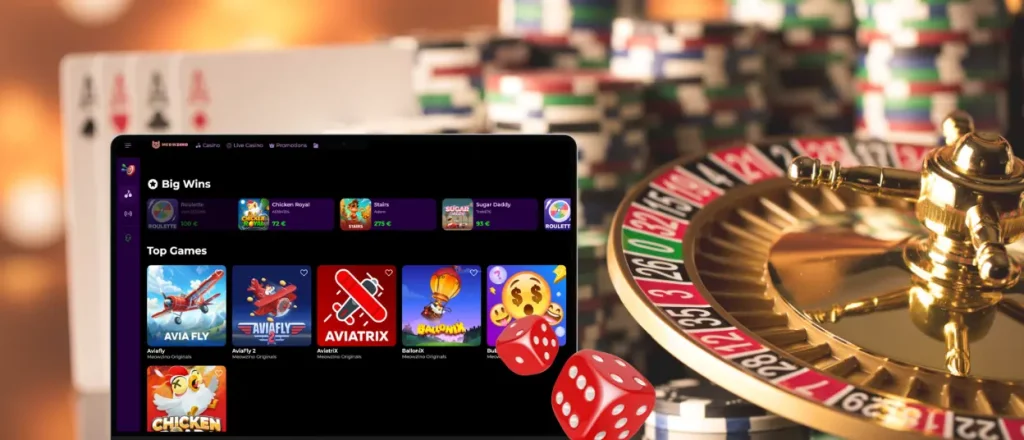
The PWA format allows PC users to install the Meowzino app as well. To get the Meow Zino Casino icon on your desktop, just click the monitor icon with an arrow in your browser address bar while you are on our site. The PC app makes long sessions much more comfortable. A large screen easily fits long tournament leaderboards alongside the betting options in any game.
You also do not have to sit with your hand on the mouse just to click the spin button. Many slots allow you to use keyboard controls. You can lean back in your chair and hold down the Enter or spacebar keys to launch turbo mode in titles like Coin Strike: Hold and Win by Playson.
FAQ
Are all games available in the Meowzino app?
We do not cut anything from our mobile lobby. You can launch absolutely any slot or live table available on the site. We also have scratch cards and instant win options that fit mobile play very well.
Do I need to create an account to use the app?
You will need to register to play with real money. If you already have an account created on the Meow Zino Casino site, just use it to log in.
Does the Meowzino app send push notifications?
Yes, you can set up notifications to appear right on your lock screen. We will remind you about our tournaments and missions. You will also see alerts for bonuses tied to specific days of the week, like the Sunday Reload.


